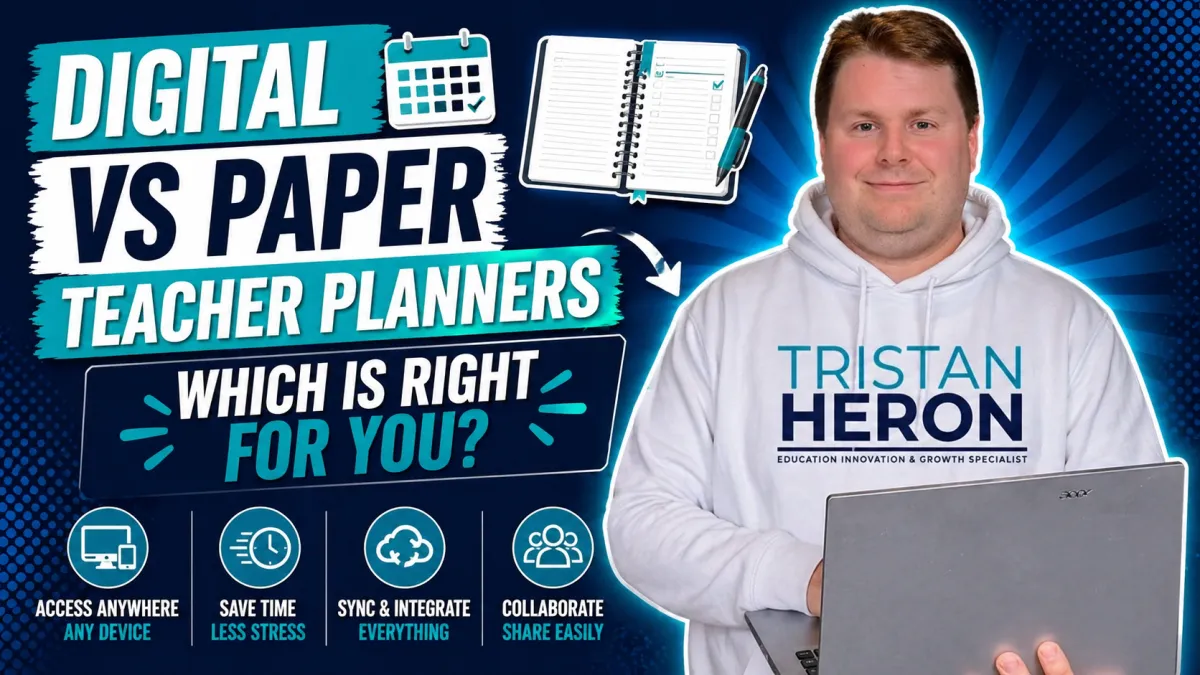
Digital or Paper Teacher Planner? Finding the Best System for Modern Educators
The great teacher planner debate: digital or paper?
Truthfully, there is not one perfect answer.
What works brilliantly for one educator might feel frustrating for another. Some teachers love the feel of pen on paper. Others thrive with synced calendars, searchable notes and drag-and-drop planning.
At Evolve EdTech, we believe the real goal is not choosing the trendiest option.
It is choosing the system that helps you teach with less stress and more clarity.
Because future-ready teaching is not only about student devices and flashy tools.
It is also about helping teachers work smarter behind the scenes.
Why This Debate Still Matters
Teaching is complex.
Your planner often becomes the control centre for:
Timetables
Lesson plans
Meetings
Assessment dates
To-do lists
Relief notes
Excursion reminders
The random thought you had at lunch duty
When your planning system works, the week feels smoother.
When it does not, everything can feel harder than it needs to be.
The Strengths of Digital Planners
Digital planning tools offer something traditional diaries often cannot:
1. Accessibility Anywhere
Your plans can travel with you across devices.
That means you can check or edit plans on:
Desktop at school
Laptop at home
Tablet on the couch
Phone while on the go
Need tomorrow’s timetable while waiting for coffee?
Done.
2. Easy Changes and Adjustments
Teaching changes constantly.
Assemblies, timetable swaps, room moves, interrupted lessons and unexpected events are part of the job.
Digital planners allow you to:
Move lessons quickly
Duplicate recurring plans
Reorder activities
Update notes instantly
Keep changes neat and clear
No crossing out. No squeezing notes into tiny boxes.
3. Powerful Integration
Many digital systems can connect with tools such as:
Google Calendar
Microsoft Outlook
Google Drive
Curriculum documents
Shared team planning spaces
Resource folders
That can mean fewer tabs, fewer papers and less mental clutter.
The Strengths of Paper Planners
Let’s be fair to paper.
Paper planners remain popular for good reasons.
1. Reliable
No battery. No Wi-Fi. No login issues.
2. Tactile
Many educators think better with pen in hand.
Writing can feel calming, creative and memorable.
3. Focused
A paper planner does not tempt you with notifications, emails or twenty open tabs.
For some teachers, that simplicity is priceless.
So… Which Is Better?
Honestly?
Neither.
The better system is the one that helps you stay organised, calm and effective.
Ask yourself:
Do I need access across devices?
Do I like handwriting plans?
Do changes happen often in my role?
Am I losing papers or forgetting notes?
Do digital tools energise me or annoy me?
Your answers matter more than trends.
A Smart Middle Ground
Many educators now use hybrid systems.
For example:
Digital calendar + paper notebook
Online planner + handwritten to-do list
Digital lesson storage + paper diary
You do not need to choose one extreme.
My Advice: Test It for a Term
If you have never tried a digital planner, test one for a term.
Use tools such as Microsoft OneNote, Google Sheets or Google Calendar.
Keep what works.
Drop what does not.
Innovation does not need to be dramatic.
Sometimes it is simply finding a better workflow.
Final Thoughts
The best planner is not digital or paper.
It is the one that gives you back time, clarity and headspace.
And for busy educators, that is worth chasing.