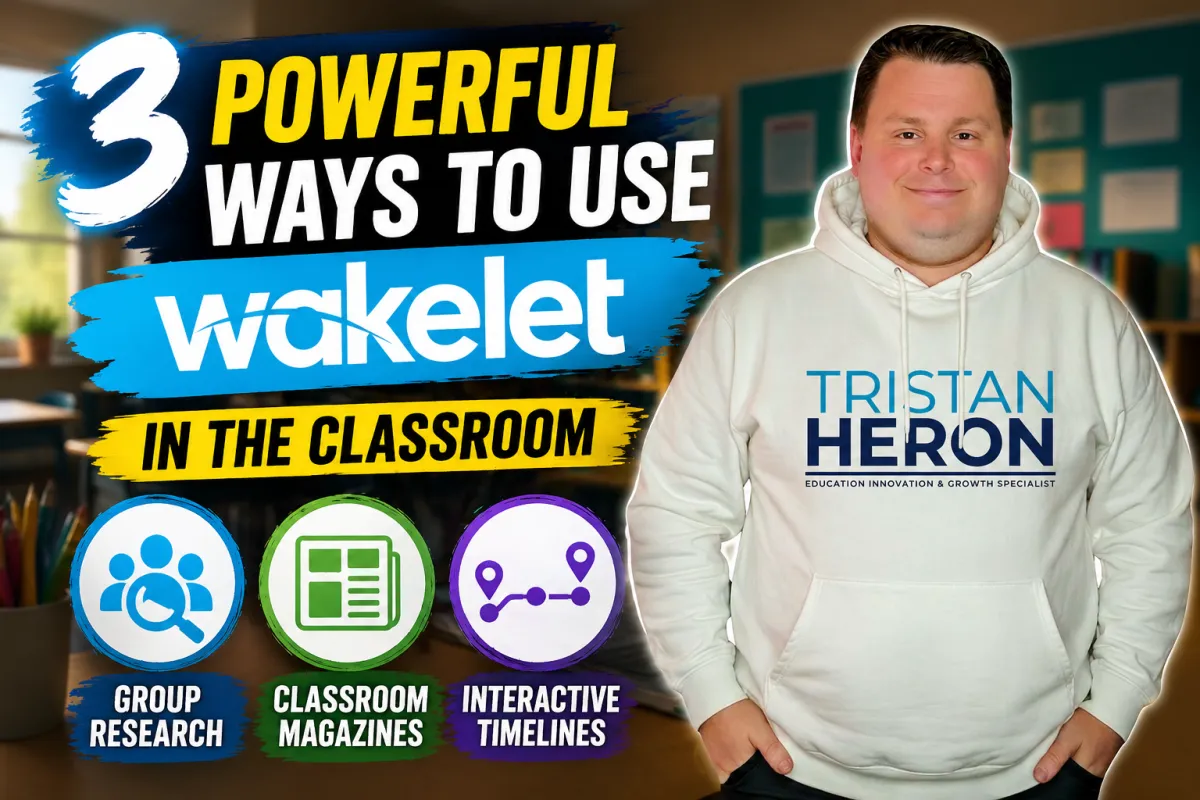
3 Simple Ways to Use Wakelet for Powerful Classroom Learning
If you have not explored Wakelet lately, this might be your sign.
In a world full of flashy apps and short-lived trends, Wakelet has remained one of the most practical, versatile and teacher-friendly tools available to educators.
At Evolve EdTech, we love tools that focus on learning outcomes rather than gimmicks. Wakelet does exactly that.
It allows teachers and students to curate content, collaborate meaningfully and showcase learning in creative ways. Best of all, it works across year levels and subject areas.
Whether you teach primary, secondary or somewhere in between, Wakelet can quickly become one of the most useful tools in your digital toolkit.
Here are three simple but powerful ways to use it in real classrooms.
1. Turn Group Research into a Collaborative Study Hub
Traditional research tasks often involve every student searching the same topic individually, collecting similar information and working in isolation.
Wakelet offers a smarter approach.
Assign groups different topics, perspectives or focus areas linked to your unit of work. Students can then build a shared Wakelet collection filled with:
Articles
Videos
Images
Websites
Notes
Key facts
Reflection questions
For example:
Science groups investigate different ecosystems
History groups explore causes of a war
English groups analyse characters or themes
Geography groups compare countries or regions
By the end of the task, your class has created a collaborative revision hub full of useful resources.
That means stronger engagement, richer discussion and a valuable study tool students can revisit later.
2. Create a Digital Classroom Magazine
Wakelet is brilliant for publishing student work in an authentic and engaging format.
Instead of students writing only for the teacher, imagine them contributing to a class magazine based on a topic, event or theme.
Students could submit:
Articles
Opinion pieces
Book reviews
Photos
Artwork
Interviews
Reflections
Short videos
Ideas might include:
A school camp edition
Harmony Day celebration issue
Science Week magazine
Local history feature
Book Week showcase
End-of-term highlights
Suddenly, writing has a real audience.
The final product can be shared with families, leadership teams or the wider school community, helping students feel proud of their work while building communication and creativity skills.
3. Build Interactive Timelines That Go Beyond Cardboard Posters
Wakelet is also excellent for interactive timelines.
Because it allows text, images, videos and links in one place, students can create timelines that are dynamic, informative and visually engaging.
Perfect for subjects such as:
Humanities
English
Science
Geography
Media Studies
Students might map:
Historical events
A famous person’s life journey
Key moments in a novel
Scientific discoveries
Film director careers
Important environmental changes
Compared with a static paper poster, Wakelet timelines allow deeper storytelling and richer context.
Why Wakelet Works So Well
What makes Wakelet stand out is its simplicity.
It takes familiar classroom tasks — research, publishing and sequencing ideas — and makes them:
More collaborative
More visual
More engaging
More accessible
More meaningful
That is what great EdTech should do.
Not replace quality teaching, but enhance it.
Final Thoughts
If you are looking for one tool that can work across multiple subjects and year levels, Wakelet deserves serious attention.
At Evolve EdTech, we believe the best classroom technology helps teachers save time while creating better learning experiences.
Wakelet does both.
Sometimes the most powerful tools are not the loudest ones.
They are the ones that quietly make learning better.